

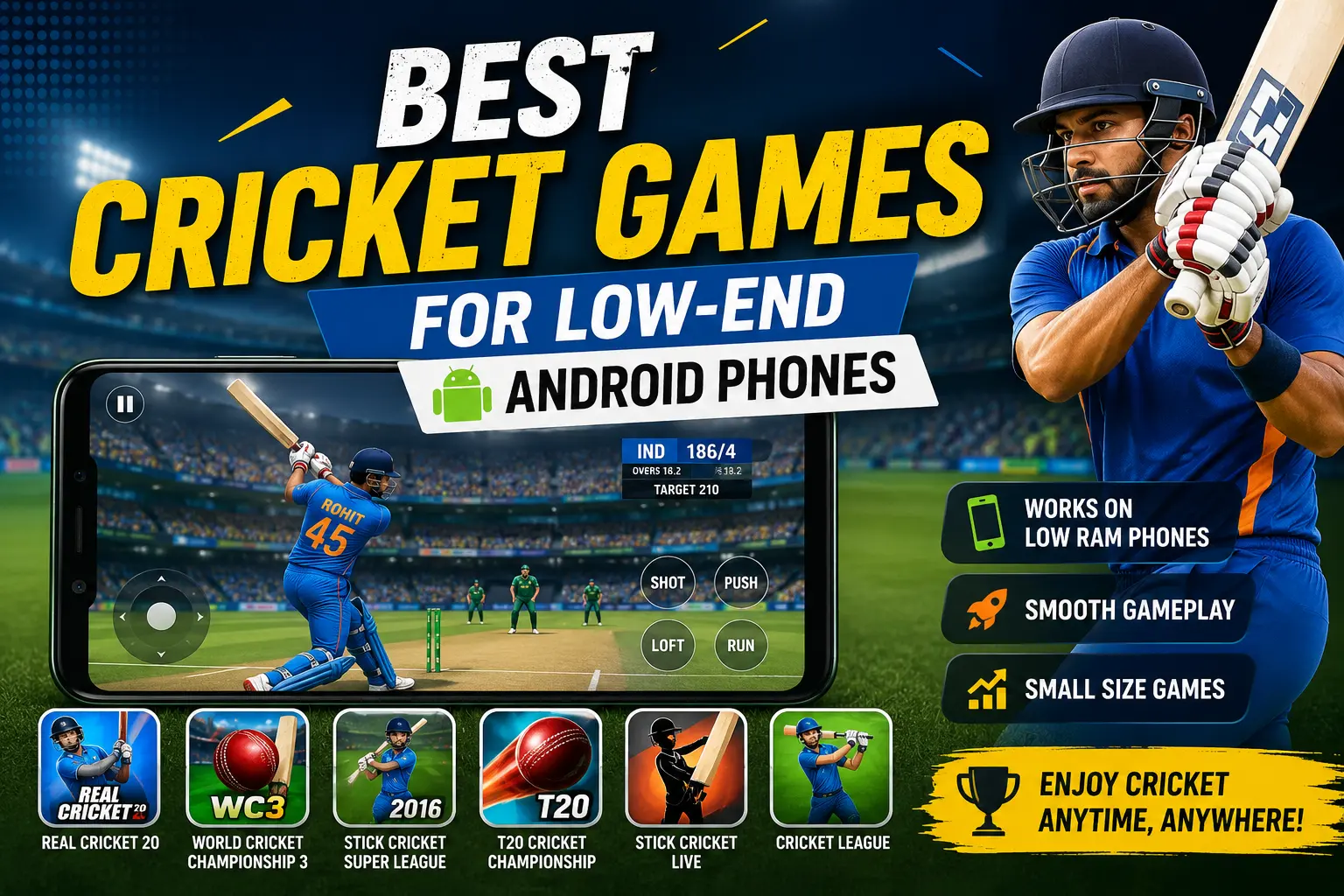
Not everyone has a brand-new phone with 8GB RAM and a fast processor. Many people still use old or budget Android phones, and that is totally fine. You can still enjoy cricket games on your phone without any lag, freezing, or crashing. You just need to pick the right games.
In this post, we will talk about the best cricket games for low-end Android phones. These are games that are small in size, do not need a lot of RAM, and still give you a fun cricket experience. Whether your phone has 1GB RAM, 2GB RAM, or an old processor, you will find something here that works for you.
We will also share some easy tips to make any cricket game run better on your phone, plus answer some common questions people ask about cricket games for old or slow phones.
Why Cricket Games Are Hard on Low-End Phones
Most cricket games these days try to look real. They use 3D graphics, shadows, crowd animations, and smooth player movements. All of this looks great, but it also uses a lot of phone memory (RAM) and processing power. If your phone does not have enough power, the game may:
- Take a long time to open
- Freeze during a match
- Show low frame rates (the game looks slow and jerky)
- Crash in the middle of a game
- Heat up your phone
- Drain your battery fast
This is why picking the right game matters so much. A lightweight cricket game is built in a simple way. It does not use heavy 3D models or big files, so it runs smoothly even on cheap or old phones.
What Makes a Cricket Game “Low-End Phone Friendly”?
Before we get into the list, let’s understand what to check before downloading a cricket game on a low-end phone. Here are the main things to look at:
1. APK Size
The APK is the game file you download. Smaller size usually means fewer heavy graphics and animations. A cricket game under 100MB is generally safer for old phones. Some games are even under 50MB, which is great for phones with low storage too.
2. RAM Requirement
Some game pages tell you how much RAM you need. If a game asks for 4GB or more RAM, skip it if your phone has less. Look for games that are made for 2GB RAM phones or lower.
3. Graphics Style
Games with simple or 2D-style graphics use less power than games with full 3D stadiums, real player faces, and detailed crowds. A slightly simpler-looking game can still be very fun to play.
4. Offline Mode
Many low-end phone users also have slow or limited internet. Offline cricket games let you play anytime without needing data or Wi-Fi, which saves your phone from extra load too.
5. Android Version Support
Old phones often run older Android versions. Some newer games only work on Android 9 or above. Always check the “minimum Android version needed” before downloading.
Now let’s look at the actual games.
Best Cricket Games for Low-End Android Phones (Full List)
1. World Cricket Championship Lite (WCC Lite)
If you are searching for a cricket game that works even on very old phones, this is one of the top picks. World Cricket Championship Lite is made especially for phones with low Android versions and even devices with as little as 512MB RAM. It keeps the fun batting and bowling controls from the main WCC series but removes the heavy graphics that slow down old phones.
Why it’s good for low-end phones:
- Small file size
- Works on very old Android versions
- Simple, clean interface
- Fast loading time
Best for: People with really old phones or phones with less than 1GB RAM.
2. Real Cricket GO (Real Cricket Swipe)
The Real Cricket series is well known for its realistic gameplay, but the full versions like Real Cricket 24 or Real Cricket 25 can be heavy for budget phones. That’s where Real Cricket GO comes in. It’s a lighter version made by the same team, keeping the swipe-based batting controls but reducing the graphics load.
Why it’s good for low-end phones:
- Small APK size (around 30-40MB)
- Smooth swipe controls for batting and bowling
- Same fun gameplay style as the bigger Real Cricket games
- Uses less processor power
Best for: Players who enjoy realistic gameplay but need a smaller, faster-loading game.
3. Cricket League
Cricket League has become a popular choice for budget phone users. It manages to keep decent graphics quality while staying light enough to run on mid-range and even some low-end devices. It uses a simple tap-to-play control system, which also means less strain on your phone’s processor.
Why it’s good for low-end phones:
- Lighter than most big cricket titles
- Easy one-tap controls
- Runs fine on budget and mid-range phones
- Frequent updates keep it stable
Best for: Budget phone users who still want good-looking gameplay without heavy lag.
4. Stick Cricket Super League
Stick Cricket games have always been known for their simple, cartoon-style graphics. Because the graphics are not realistic 3D models, the game uses far less memory. This makes it one of the safest choices for really slow or old phones.
Why it’s good for low-end phones:
- Cartoon-style 2D-ish graphics use less power
- Fast to install and open
- Simple tap controls
- Fun, casual gameplay style
Best for: Casual players and people who want a fun game without worrying about phone specs.
5. Epic Cricket – Real Time 3D Cricket Game
Epic Cricket offers a fun mix of arcade-style cricket with decent visuals but manages to stay lighter than some of the big-budget cricket titles. It focuses more on fun batting mechanics rather than heavy realistic simulation, which helps it run better on average phones.
Why it’s good for low-end phones:
- Arcade-style gameplay is less demanding on hardware
- Simple menus and fast loading
- Good for quick matches
Best for: Players who want quick, fun matches without long loading times.
6. Hitwicket Cricket Game
Hitwicket takes a different approach. Instead of focusing only on batting and bowling animations, it’s more of a strategy and management game where you build your own cricket team, manage players, and play matches through simple mechanics. Since it doesn’t rely on big 3D animations for every ball, it tends to run lighter on the phone’s hardware.
Why it’s good for low-end phones:
- Strategy-based gameplay needs less graphics power
- Good for players who enjoy team building
- Smaller data usage while playing online modes
Best for: People who enjoy strategy and management games, not just batting and bowling.
7. Motu Patlu Cricket Game
This one is a fun and very light cricket game, especially designed with simple graphics and cartoon characters. It doesn’t try to be realistic at all, which is exactly why it works so well on low-end and old phones. It’s also a good pick for kids or anyone who just wants a light, no-stress cricket game.
Why it’s good for low-end phones: <br>- Very small file size
- Extremely simple graphics
- Fast and lag-free even on the weakest phones
Best for: Kids, casual players, or anyone with a very old or slow phone.
8. Google Doodle Cricket
Not everyone knows this, but Google made a hidden, super simple cricket game called Doodle Cricket. It has only one control: tap the screen at the right time to hit the ball. There are no teams, no big stadiums, and no heavy graphics at all.
Why it’s good for low-end phones:
- Extremely low file size
- One-button gameplay
- Works on almost any phone, even the weakest ones
Best for: Very old or low-memory phones, and people who just want something quick and simple.
9. Sachin Saga Pro Cricket (Lite Settings)
Sachin Saga is a fan-favorite cricket game built around cricket legend Sachin Tendulkar’s career. While the full version has good graphics, it also offers settings that can be turned down for smoother performance. It’s a good balance between a story-based cricket career mode and reasonable performance on mid-range phones.
Why it’s good for low-end phones:
- Adjustable graphics settings
- Story mode adds variety beyond just quick matches
- Works well on mid-range budget phones
Best for: Players who want a story-driven cricket career mode without a huge, heavy game.
How to Make Any Cricket Game Run Better on a Low-End Phone
Even if you download one of the lighter games above, there are a few simple things you can do to make it run even smoother.
Lower the Graphics Settings
Most cricket games let you change graphics quality inside the settings menu. Turn off shadows, reduce texture quality, and lower the frame rate if the option is available. This alone can make a big difference on old phones.
Close Background Apps
Before opening a cricket game, close other apps running in the background. This frees up RAM for the game to use, which helps reduce lag and crashes.
Clear Cache Regularly
Over time, games store extra data (called cache) on your phone. This can slow things down. Go to your phone’s settings, find the game under “Apps,” and clear its cache once in a while.
Keep Some Free Storage
If your phone’s storage is almost full, games can run slowly even if they are small in size. Try to always keep at least 1-2GB of free space on your phone.
Play Offline When Possible
If a game offers both online and offline modes, choose offline mode when you don’t need multiplayer features. Offline mode usually loads faster and uses less phone memory since it doesn’t need to constantly send and receive data.
Update the Game, But Check Reviews First
Developers sometimes make games heavier with new updates. Before updating, check recent reviews to see if people are complaining about lag after the update. If so, you may want to stay on your current version a bit longer.
Restart Your Phone Before Long Gaming Sessions
A simple restart clears out temporary files and frees up memory, which can help any game, including cricket games, run more smoothly.
Cricket Games to Avoid on Low-End Phones
While this post focuses on the best picks, it’s also worth knowing which type of cricket games to be careful with if you have a low-end phone. Games with:
- Full career modes with motion-capture animations
- Ultra HD or 4K graphics options
- Large APK sizes (500MB or more)
- Requirements of 4GB RAM or more
These types of games are usually made for high-end or flagship phones. Titles like the full versions of Real Cricket 24, Real Cricket 25, or World Cricket Championship 3 with all graphics turned on can be too heavy for budget devices. You can still try them, but be ready for possible lag unless your phone has decent specs.
Frequently Asked Questions
1. Which cricket game is best for a phone with 1GB RAM?
World Cricket Championship Lite and Google Doodle Cricket are among the safest choices, since they are made to work even on very old and low-memory phones.
2. Can I play cricket games without internet on a low-end phone?
Yes. Most of the games mentioned above, like Stick Cricket, Motu Patlu Cricket, and Real Cricket GO, offer offline modes so you can play anytime without using data.
3. Do lightweight cricket games have fewer features?
Not always. Many lightweight games still offer tournaments, career modes, and multiple game formats. They simply use simpler graphics to save memory and battery.
4. How much APK size is considered good for a low-end phone?
Anything under 100MB is generally considered safe for low-end and budget phones. Games under 50MB are even better for phones with limited storage.
5. Will cricket games drain my phone’s battery fast?
Games with heavy 3D graphics do use more battery. Lightweight cricket games use less power, so they are gentler on your battery, especially during long gaming sessions.
6. Can I still enjoy realistic cricket gameplay on a budget phone?
Yes, to some extent. Games like Real Cricket GO and Cricket League try to balance decent gameplay feel with lighter performance, so you don’t have to give up on fun gameplay completely.
Final Thoughts
Having a low-end or old Android phone doesn’t mean you have to miss out on cricket games. There are plenty of great options built specifically for phones with less RAM, smaller storage, and older processors. Games like World Cricket Championship Lite, Real Cricket GO, Stick Cricket Super League, and Google Doodle Cricket prove that you don’t need a powerful phone to enjoy a good cricket match.
Start with the lighter games from this list, apply the performance tips we shared, and you will be hitting sixes and taking wickets smoothly, no lag, no stress, just simple cricket fun on your Android phone.
If you found this list helpful, try out a couple of these games and see which one feels the best on your phone. Every phone is a little different, so it’s worth testing two or three before settling on your favorite.
