

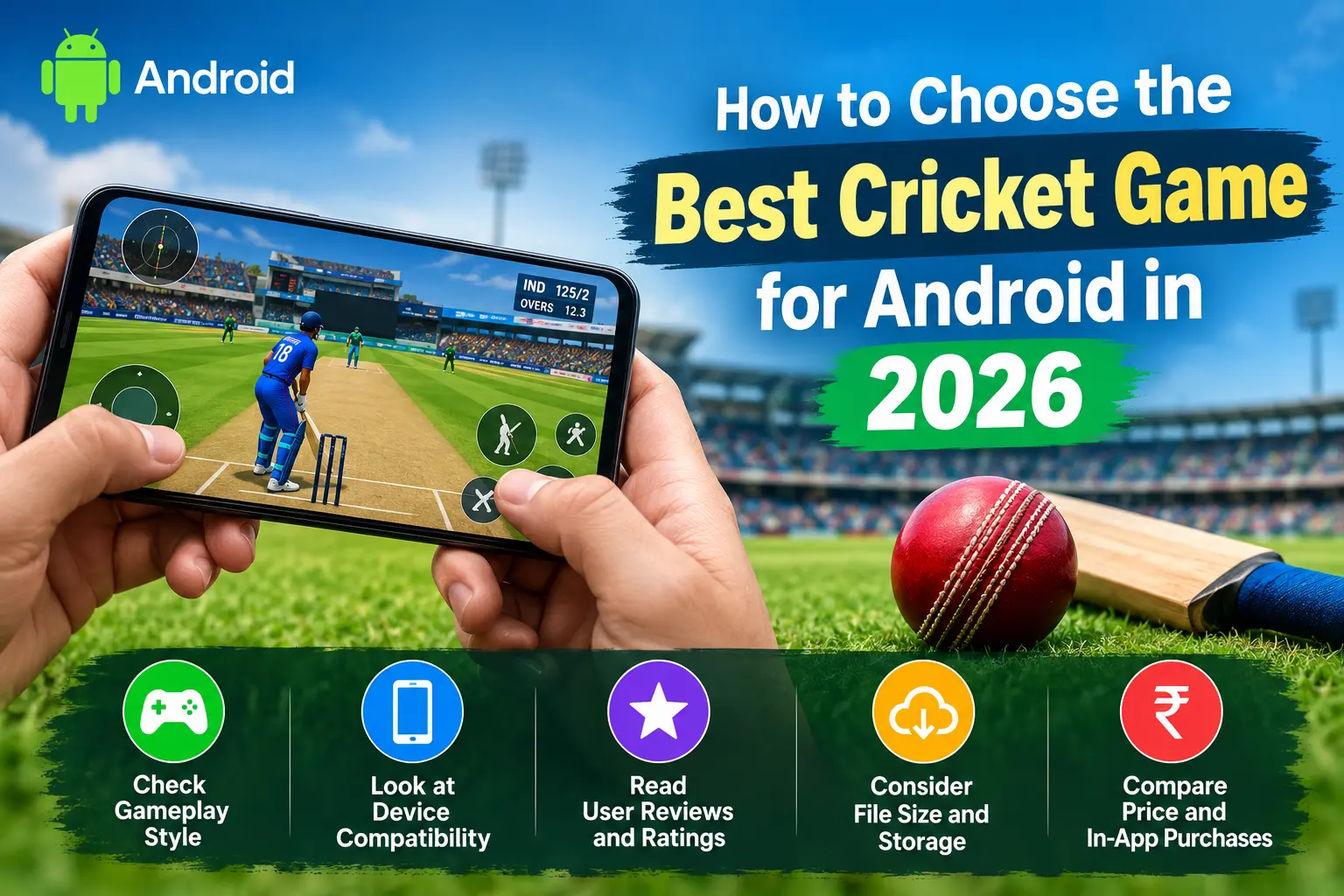
Cricket is more than a sport for millions of fans around the world — it’s an emotion. And thanks to the sheer power packed into modern smartphones, that emotion no longer needs a stadium ticket or a television screen. Today, anyone searching for the best cricket game for Android can turn their phone into a personal stadium, complete with roaring crowds, swinging deliveries, and last-ball finishes. But here’s the catch: the Google Play Store is flooded with hundreds of cricket titles, and not all of them are worth your storage space, data, or time.
If you’ve ever typed “best cricket game for Android” into the Play Store search bar and felt overwhelmed by the results, you’re not alone. Some games boast stunning graphics but drain your battery in minutes. Others promise “realistic gameplay” but feel clunky and unresponsive. A few are packed with intrusive ads that ruin the experience within the first over. This guide is designed to cut through that noise and help you understand exactly how to choose the best cricket game for Android based on your device, your playstyle, and what you actually want out of a cricket game.
Why Choosing the Right Cricket Game Matters
Not every cricket fan wants the same experience. Some players want an arcade-style quick hitter they can enjoy during a commute, while others want a full-blown simulation with realistic physics, career modes, and licensed teams. Choosing the wrong game for your needs often leads to frustration — you either get bored with an overly simple game or overwhelmed by one that’s too complex for casual play.
Beyond gameplay style, your choice also affects your phone’s performance. A poorly optimized Android cricket game can overheat your device, drain your battery faster than usual, or even crash mid-match if your phone doesn’t meet the minimum requirements. That’s why picking the best cricket game for Android isn’t just about finding a fun app — it’s about matching a game to your device specs, storage capacity, and internet connectivity.
Key Factors to Consider Before Downloading a Cricket Game
1. Graphics and Visual Quality
One of the first things players notice is how a game looks. Modern Android cricket games have come a long way from the pixelated batting simulators of the early 2010s. Today’s top titles feature motion-capture animations, dynamic lighting, realistic stadiums, and lifelike player models.
However, high-definition graphics come with a trade-off: file size and performance demand. If you’re using a budget or mid-range Android device, an HD-heavy cricket game might lag or overheat your phone. Before downloading, check the game’s recommended specifications and compare them against your device’s RAM and processor. If you own a flagship phone, you can comfortably enjoy visually rich cricket games for Android without performance issues.
2. Realistic Gameplay Mechanics
If authenticity matters to you, look for a realistic cricket game Android option that replicates true cricketing mechanics — proper shot selection, field placements, bowling variations, and pitch conditions that affect gameplay. Games with deep customization, such as choosing specific shots (reverse sweep, helicopter shot, cover drive) or setting your own field, tend to offer a more immersive experience than arcade-style alternatives.
Look for games that include multiple match formats — T20, ODI, and Test cricket — since this variety lets you choose short, fast-paced sessions or longer, strategic matches depending on your mood and available time.
3. Controls and Responsiveness
No matter how good a game looks, poor controls can ruin the experience entirely. Touch-based cricket games need to strike a balance between simplicity and depth. If the batting and bowling controls feel unresponsive or overly complicated, even the most graphically impressive game becomes frustrating to play.
Before committing to a title, read user reviews specifically mentioning control quality. Many of the best cricket games for Android offer a practice or tutorial mode — use this to test the controls before diving into full matches or tournaments.
4. Offline vs Online Play
Not everyone has consistent access to high-speed internet, which is why offline cricket games Android options remain incredibly popular. If you travel frequently, commute through areas with poor network coverage, or simply want to save mobile data, prioritize games that offer a robust offline mode.
On the other hand, if you enjoy competing against real players, multiplayer cricket games for Android with online leaderboards, ranked matches, and live tournaments add a layer of competitiveness that offline modes can’t replicate. Some games strike a balance by offering both, letting you switch between offline practice sessions and online ranked battles.
5. File Size and Storage Requirements
Android devices come in all shapes and sizes when it comes to storage capacity. Some cricket games for Android are as small as a few hundred megabytes, while others — especially those with high-definition graphics and expansive career modes — can exceed one or two gigabytes.
Before downloading, check the app’s listed size on the Play Store and consider how much free storage you actually have. If you’re low on space, look for lightweight cricket games that still deliver solid gameplay, such as offline titles under 1GB that don’t compromise heavily on features.
6. Game Modes and Content Depth
A great cricket game for Android should offer more than just a quick match option. Look for titles that include:
- Career mode – build a player from a rookie to an international star
- Tournament mode – compete in domestic leagues, World Cups, or franchise-style competitions
- Multiplayer mode – challenge friends or random opponents online
- Practice/nets mode – hone your batting and bowling skills without match pressure
- Customization options – create your own teams, players, and even stadiums
Games with greater content depth tend to have better replay value, keeping you engaged for weeks or months rather than just a few days.
7. In-App Purchases and Ads
Many free cricket games for Android rely on advertisements or in-app purchases to generate revenue. While this isn’t inherently a bad thing, excessive ads or aggressive pay-to-win mechanics can seriously hurt the experience. Before committing to a game, check recent user reviews to see how intrusive the monetization model is. The best titles strike a fair balance — offering optional purchases for cosmetic items or faster progression without forcing players to pay in order to remain competitive.
8. Community and Update Frequency
A cricket game that receives regular updates is more likely to stay bug-free, balanced, and exciting over time. Developers who actively patch issues, add new content (such as updated squads, new stadiums, or seasonal events), and respond to player feedback tend to build more loyal communities. Before downloading, check the app’s update history and read recent reviews to see if the developer is actively maintaining the title.
Popular Types of Cricket Games for Android
To help you choose the best cricket game for Android based on your preferences, it helps to understand the main categories these games typically fall into:
- Realistic Simulation Games: These titles focus on authentic cricketing mechanics, licensed teams, and detailed career progression. They usually offer the deepest gameplay experience but may require more storage space and a capable device to run smoothly.
- Arcade-Style Games: Designed for quick, casual sessions, these games simplify controls and mechanics for fast, fun matches. They’re perfect for players who want quick entertainment without a steep learning curve, making them ideal for short breaks or commutes.
- Management/Strategy Games: Instead of controlling every ball, these games put you in the role of a team manager, focusing on tactics, player selection, and strategic decision-making rather than direct gameplay control.
- Fantasy Cricket Apps: While not “games” in the traditional sense, fantasy cricket apps let you build virtual teams based on real-world players and compete based on their real match performances. These appeal to fans who enjoy the strategic side of cricket without needing hand-eye coordination skills.
Understanding which category appeals to you most is a crucial step before searching for cricket games for Android, since it narrows down your options significantly.
Matching the Game to Your Device
Not all Android devices are created equal, and this significantly affects which cricket game will run best for you.
- Budget Devices (2-4GB RAM): Stick to lightweight, arcade-style cricket games with lower graphical demands. Look for titles specifically optimized for low-end hardware, and check reviews from users with similar devices before downloading.
- Mid-Range Devices (4-6GB RAM): Most modern cricket games for Android will run smoothly on these devices, though you may need to lower graphical settings for the most demanding, HD-heavy titles.
- Flagship Devices (8GB+ RAM): You can comfortably enjoy the most graphically intensive, realistic cricket game Android options available, including titles with motion-capture animations, dynamic weather effects, and detailed stadium recreations.
Always check the minimum and recommended specifications listed on the Play Store page before downloading, especially for larger, more demanding titles.
Step-by-Step Guide: How to Pick Your Perfect Cricket Game
- Identify your playstyle – Do you want quick arcade fun, deep simulation, or strategic management?
- Check your device specifications – Match the game’s requirements to your phone’s RAM, storage, and processor.
- Decide between offline and online play – Consider your typical internet access and whether multiplayer matters to you.
- Read recent user reviews – Focus on comments about controls, ads, and stability rather than just star ratings.
- Test the game’s free version first – Most cricket games for Android offer free downloads, so try before committing to any in-app purchases.
- Evaluate content depth – Confirm the game offers the modes (career, tournament, multiplayer) that matter most to you.
- Monitor performance after downloading – Watch for lag, overheating, or battery drain during your first few matches, and uninstall if the experience feels poor on your device.
Common Mistakes to Avoid
Many players make the mistake of choosing a cricket game for Android purely based on Play Store ratings or download numbers, without considering whether the game actually fits their device or playstyle. A five-star rating from thousands of users doesn’t guarantee it’ll run well on your specific phone or match your preferred way of playing.
Another common mistake is ignoring app permissions and reviews mentioning excessive ads or hidden costs. Always skim through recent reviews (not just the top ones) to get an accurate, current picture of the game’s real-world performance and monetization practices.
Finally, avoid downloading multiple heavy cricket games for Android at once just to “compare” them. This clutters your storage, slows your device, and makes it harder to evaluate any single game fairly. Instead, download one at a time, test it thoroughly over a few days, and uninstall before moving to the next option if it doesn’t meet your expectations.
Top Cricket Games for Android Worth Trying in 2026
Once you know what to look for, it helps to see how some of the most talked-about titles stack up. Here’s a quick look at a few popular cricket games for Android and what makes each one stand out, so you can match names to the categories discussed above.
- World Cricket Championship 3 (WCC3): This title has built a loyal following over the years thanks to fluid controls, deep customization, and support for multiple match formats, including ODI, T20, and Test cricket. It’s often recommended for players who loved earlier entries in the series and want a complete package without needing a high-end device.
- Real Cricket 25 / Real Cricket 24: Known for motion-capture animations, dynamic weather effects, and a detailed career mode, this series is a strong pick for anyone chasing a genuinely realistic cricket game Android experience. It also includes IPL-style tournaments and real-time score updates, though the trade-off is a larger file size compared to lighter arcade titles.
- Stick Cricket Super League: If you want something quick and casual, arcade-style games like this one are built for short bursts of fun rather than deep simulation. They’re a great match for players who want to enjoy a few overs during a break without committing to a long match.
- Dream Cricket: A lighter, offline-friendly option that appeals to players dealing with unreliable internet access. Its smaller file size and offline play mode make it a solid choice among offline cricket games Android for users on budget devices or limited data plans.
- Cricket Captain 2026: For fans who’d rather manage a squad than control every delivery, this strategy-focused title shifts the experience toward team selection, tactics, and long-term decision-making — a completely different flavor from action-based cricket games for Android.
- Cricket League and Smash Cricket: Both fall into the arcade and casual multiplayer space, offering online modes like challenge matches, friendly games, and World Cup-style tournaments for players who enjoy competing against others without a steep learning curve.
Keep in mind that game rankings shift frequently as new updates roll out, so it’s always worth checking recent reviews and current Play Store ratings before making a final decision, even for well-established titles.
Frequently Asked Questions
Which is the best cricket game for Android in terms of realism?
Titles in the Real Cricket series and WCC3 are consistently praised for realistic gameplay, detailed animations, and authentic match mechanics, making them strong choices for players prioritizing simulation over arcade-style action.
What is the best cricket game for Android with a small file size?
If storage space is a concern, look for lighter titles specifically marketed for offline play or budget devices. These typically sacrifice some graphical fidelity in exchange for a smaller download and better performance on older hardware.
Are free cricket games for Android actually good, or should I pay for a premium title?
Many free cricket games for Android offer a genuinely enjoyable experience, especially arcade-style titles. The key is checking how intrusive the ads or in-app purchases are before assuming a paid alternative is necessary.
Can I play cricket games for Android without an internet connection?
Yes. Several popular offline cricket games Android options let you enjoy full matches, career modes, and tournaments without needing Wi-Fi or mobile data, which is ideal for travel or areas with poor connectivity.
How much storage do I need for a realistic cricket game Android title?
Simulation-heavy games with HD graphics can range from 1GB to over 2GB, while arcade or offline-focused titles are often well under 1GB. Always check the Play Store listing before downloading to avoid storage issues.
Do cricket games for Android get regular updates?
Actively maintained titles typically receive updates for new squads, stadiums, bug fixes, and seasonal events. Checking the update history and recent reviews will tell you whether a specific game is still being supported.
Tips to Get the Most Out of Your Cricket Game
Once you’ve settled on a title, a few small adjustments can noticeably improve your overall experience:
- Adjust graphics settings to match your device: Most cricket games for Android let you toggle between low, medium, and high visual settings. If you notice lag, frame drops, or overheating, lowering the graphics quality often solves the problem without significantly affecting gameplay enjoyment.
- Use practice or nets mode before jumping into ranked matches: Skipping the tutorial might feel tempting, but spending ten to fifteen minutes learning shot timing and bowling variations will make a noticeable difference once you start competing online or in tournament mode.
- Keep the app updated: Developers frequently patch bugs, rebalance gameplay, and add new content such as updated rosters or seasonal events. Running an outdated version of any Android cricket game can lead to glitches or compatibility issues, especially after major phone OS updates.
- Manage notifications and background data: Some cricket games for Android send frequent push notifications for daily rewards or events. If these become distracting, you can adjust notification settings without uninstalling the app or losing your saved progress.
- Clear cache periodically: Over time, cached data can build up and slow down performance, particularly in graphically heavy, realistic cricket game Android titles. Clearing the cache every few weeks (without deleting your save data) can help maintain smooth performance.
- Back up your progress if the option is available: Many games let you link your profile to a Google Play Games account or similar service, which protects your career progress, unlocked content, and purchases if you switch devices or need to reinstall the app.
Small habits like these ensure that even the best cricket game for Android continues running smoothly and stays enjoyable over weeks or months of regular play, rather than becoming a frustrating experience due to performance issues or lost progress.
Final Thoughts
Finding the best cricket game for Android ultimately comes down to understanding your own preferences and your device’s capabilities. Whether you’re drawn to realistic simulations with deep career modes, quick arcade-style matches for your daily commute, or strategic management games that test your tactical thinking, there’s a title suited to your needs among the many cricket games for Android available today.
Take the time to evaluate graphics quality, control responsiveness, offline availability, storage requirements, and monetization practices before committing to any single game. By following the steps outlined in this guide, you’ll be well-equipped to cut through the noise of the Play Store and land on a cricket game that keeps you entertained match after match — without draining your battery, storage, or patience in the process.
Cricket on Android has evolved tremendously, and with a bit of research, you can find a title that feels less like a mobile app and more like your own personal stadium, ready to deliver thrilling contests whenever and wherever you want to play.
